
Images and assets
Lessons usually need more than words. Zippy can generate an image for one, and anything you upload is reusable everywhere else you write.
Generating an image
From Create, choose Image. Describe what you want, and the result lands in your assets, ready to drop into any lesson.
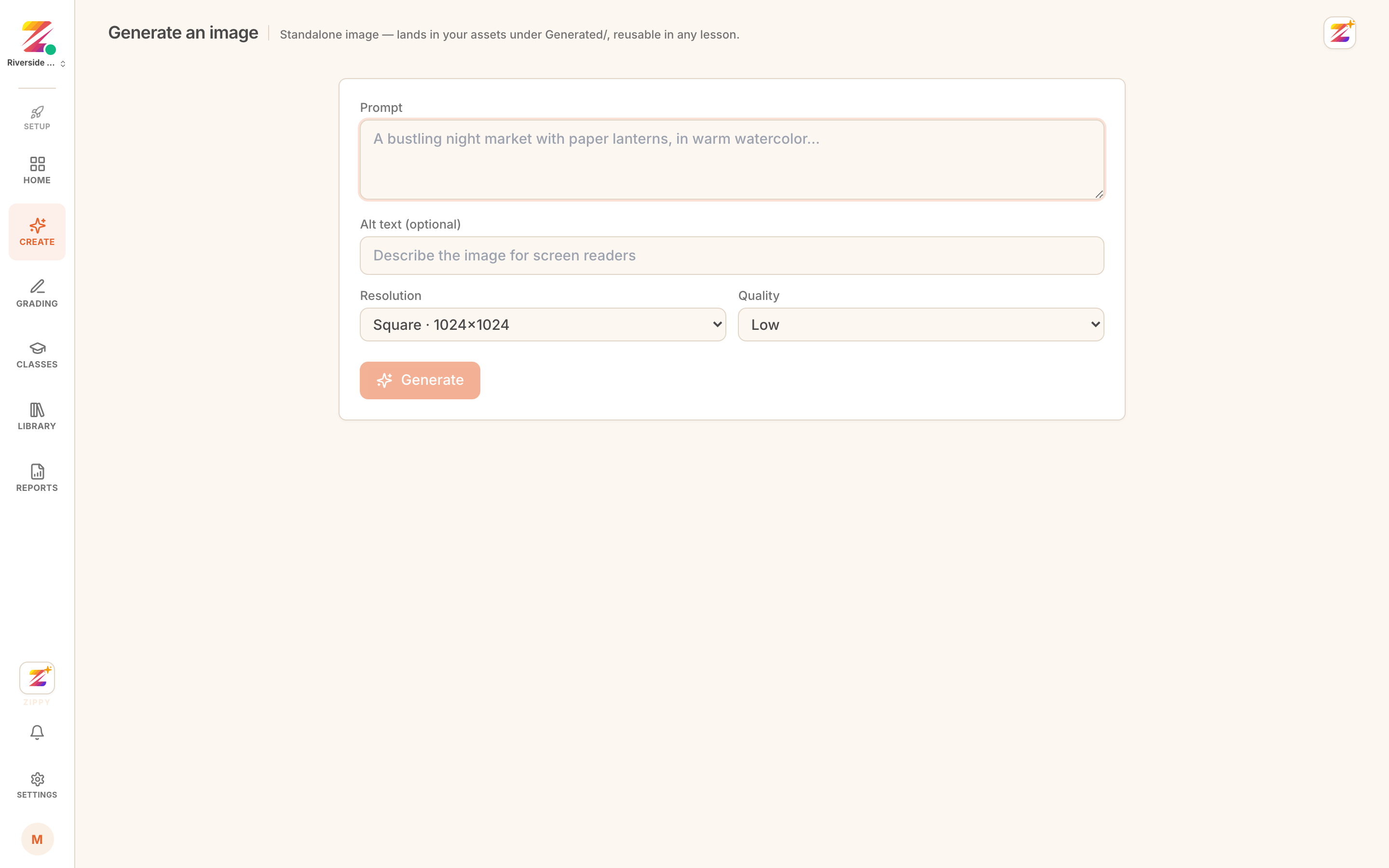 The image generation screen with a prompt.
It is worth being specific about style and audience. "A diagram of the water cycle for Primary 4, simple labels, no text clutter" gets you something usable more often than "water cycle".
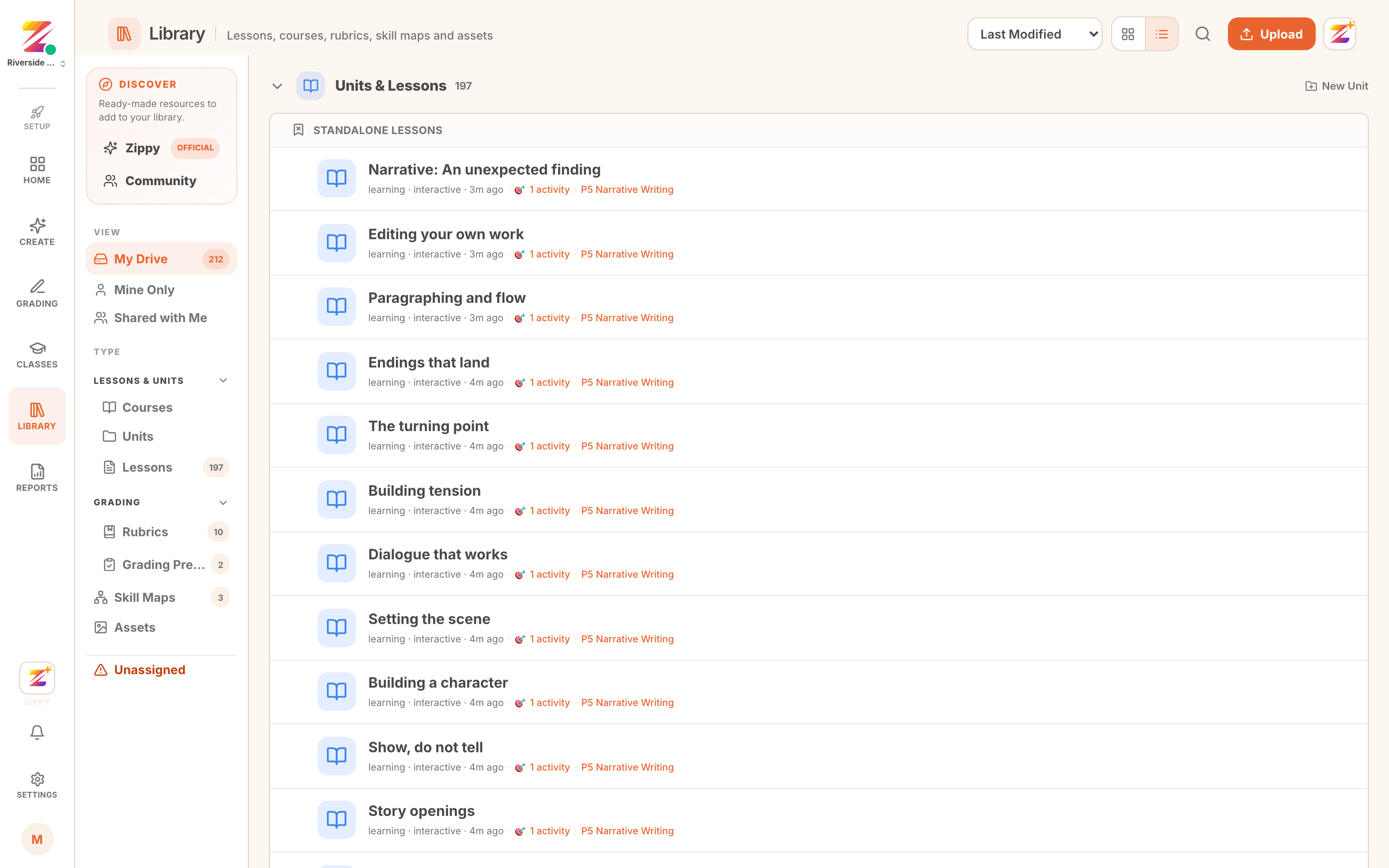 A generated image in the assets library.
Bringing your own
Upload what you already have. Photographs, diagrams, worksheets you have scanned, a logo. Uploaded assets sit alongside generated ones and behave the same way.
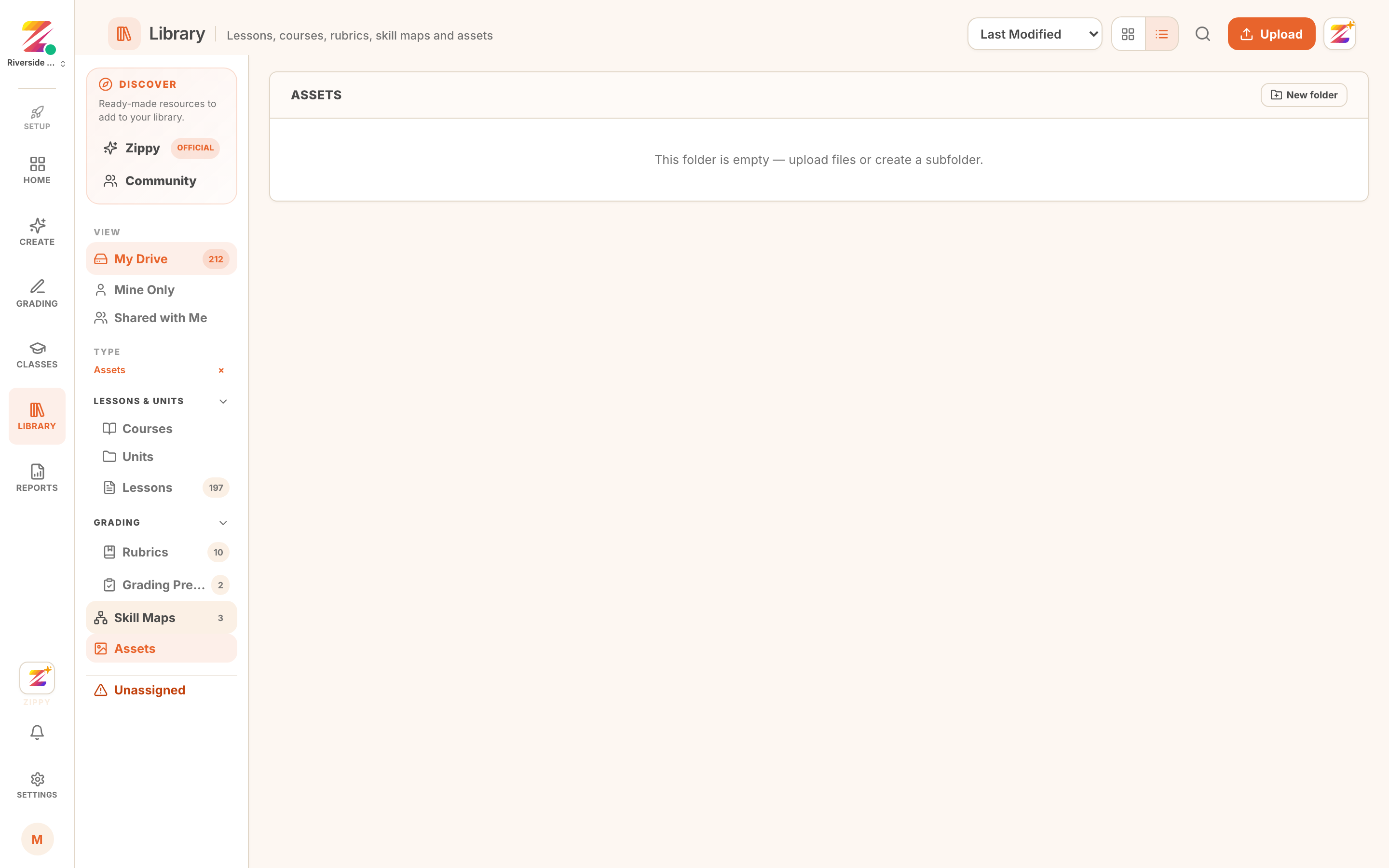 Uploading an asset to the library.
Reusing them
An asset is stored once and referenced wherever you use it, so replacing a diagram updates the lessons that use it rather than leaving stale copies behind.
What else the library holds
The same library holds the other things you build and reuse:
- Lessons and activities you have written or generated
- Rubrics and skills lists, covered in Configuring rubrics
- Presets, the combinations you grade against
Where to go next
- Generating a lesson to put an image to work.
- Your brand if reports and student-facing pages should carry your own identity.